
Desktop software built around how your team works
Custom desktop applications for specialist tools, business workflows and productivity needs that a browser can't handle well.
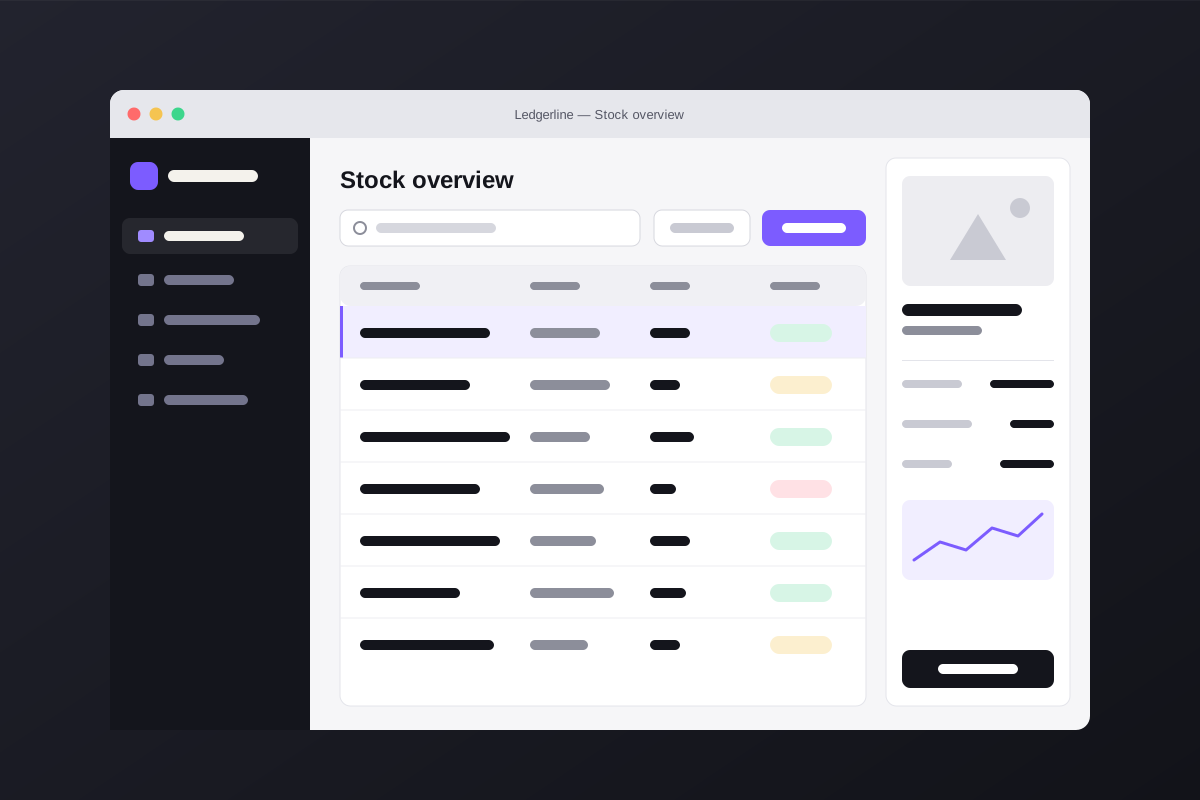
For work that needs speed, offline access or deep system access
Some software belongs on the desktop: tools that work with local files and hardware, run offline, or are used all day by people who rely on keyboard speed. We build those tools to be dependable and easy to maintain.
What's included
Every project is scoped individually. These are the areas we can cover for desktop applications.
Custom desktop software
Applications designed around one specific workflow, instead of a generic tool your team works around.
Business and productivity applications
Tools for planning, data entry, reporting and day-to-day operations.
Windows application development
Software for Windows desktops and workstations, packaged for straightforward installation and updates.
macOS development
Native or cross-platform software for Mac users.
Available where offered; scope confirmed per projectAPI and system integrations
Connections to databases, web services, devices and the other systems your team already uses.
Data management interfaces
Clear screens for searching, editing and validating large amounts of data.
Testing and maintenance
Automated and manual testing, plus updates as operating systems and requirements change.
How a project runs
The same four clear stages, with the details that matter for this kind of work.
Step 1: Discover
Understand the idea, users, requirements, and goals.
- Current workflow and pain points
- Users, devices and data sources
Step 2: Design
Define the experience, interface, technical direction, and scope.
- Screens, shortcuts and data model
- Installation and update approach
Step 3: Develop
Build the solution in clear, reviewable stages.
- Working builds for your team to try
- Integration and data migration
Step 4: Launch & Improve
Test, release, monitor, and improve the product where required.
- Rollout support
- Fixes and new features
Frequently asked questions
Should this be a desktop app or a web app?
Desktop software suits offline work, heavy local files, hardware access or high-speed data entry. If browser access from anywhere matters more, a web application may be better. We'll help you decide.
Can you replace or modernize an older internal tool?
Yes. We review how the current tool is used, keep what works, and plan a migration that keeps your data and avoids disrupting the team.
How are updates delivered to users?
We agree on an installation and update approach at the start, from manual installers to automatic updates, depending on your environment.
Discuss Your Software.
Tell us what you have in mind. We'll reply to talk through your requirements and the next steps.