
Mobile apps for iOS and Android
We design and build mobile applications that are simple to use, quick to respond and ready to grow with your product.
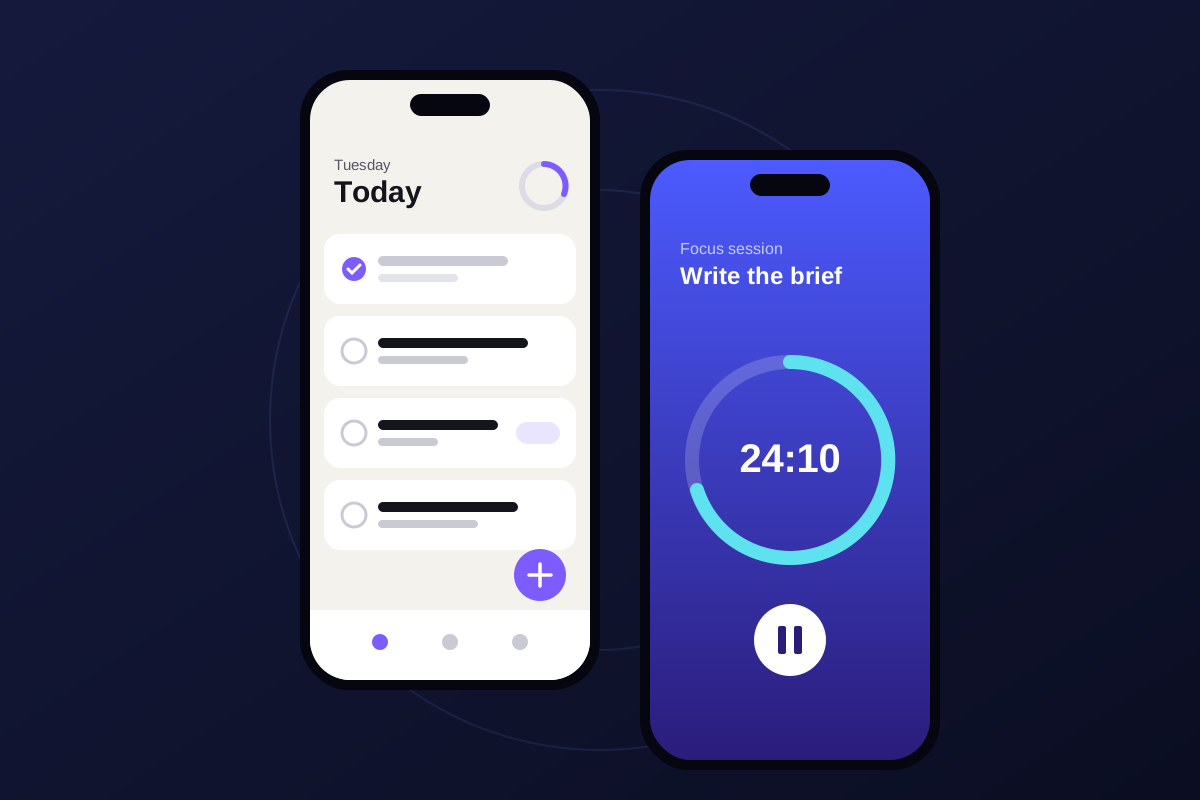
Built for the way people actually use their phones
People use apps in short moments, often one-handed and on unreliable connections. We design for that from the start, and choose native or cross-platform development based on what your app needs.
What's included
Every project is scoped individually. These are the areas we can cover for mobile applications.
iOS app development
Apps for iPhone and iPad that follow Apple's interface conventions and platform requirements.
Android app development
Apps for the wide range of Android phones and tablets, tested across screen sizes and OS versions.
Cross-platform development
One shared codebase for iOS and Android when it suits the product, budget and timeline.
UI/UX design
User flows, wireframes and visual design, tested with real tasks before development starts.
API and backend integration
Connections to your existing systems, payment providers, maps, notifications and other services.
Testing and optimization
Device testing, performance tuning and accessibility checks before every release.
App store preparation and release
Store listings, screenshots, review requirements and release builds for the App Store and Google Play.
Maintenance and updates
OS updates, bug fixes and new features after launch.
How a project runs
The same four clear stages, with the details that matter for this kind of work.
Step 1: Discover
Understand the idea, users, requirements, and goals.
- Users, tasks and must-have features
- Native or cross-platform decision
Step 2: Design
Define the experience, interface, technical direction, and scope.
- User flows and interface design
- Clickable prototype
Step 3: Develop
Build the solution in clear, reviewable stages.
- Builds in short, reviewable cycles
- Integration with your systems
Step 4: Launch & Improve
Test, release, monitor, and improve the product where required.
- Store submission support
- Updates and improvements
Frequently asked questions
Should my app be native or cross-platform?
It depends on the features, performance needs, budget and plans for the product. We will explain the trade-offs for your case before recommending an approach.
Can you take over an existing app?
Yes. We start by reviewing the codebase and current issues, then agree on a plan for fixes, improvements or new features.
Will you publish the app in my store accounts?
Yes. We recommend the app stays under your own developer accounts so you keep ownership. We can help set these up and prepare the submission.
Discuss Your App.
Tell us what you have in mind. We'll reply to talk through your requirements and the next steps.